 Image 1 of 1
Product Details
Key Features & Benefits:
Essential Eye Protection: High-speed electronic reaction times shield the operator's vision instantly from every laser strike.
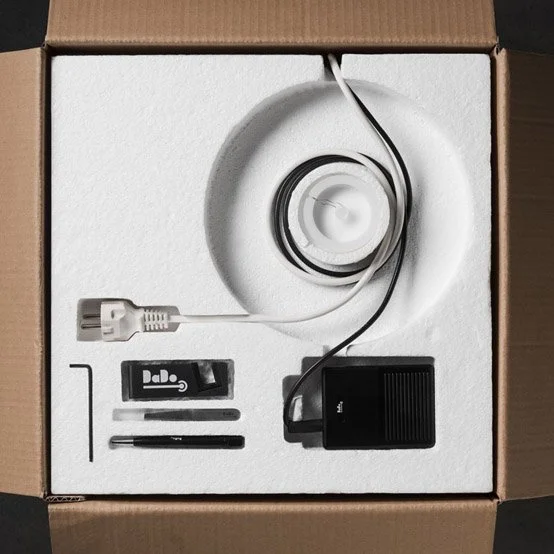
Original Component Fitting: Sourced as an official part from Elettrolaser to ensure absolute power regulation and timing synchronization with your motherboard.Complete Kit
Integration: Replaces malfunctioning shutter elements cleanly inside the existing microscope collar assembly.
Fitting & Lens Replacement Instructions
Below are the step-by-step instructions to access and fit the optical elements.
⚠️ Important Safety Notice: Always ensure your DaDo laser welder is completely switched OFF and unplugged from the mains electrical socket before commencing any disassembly.
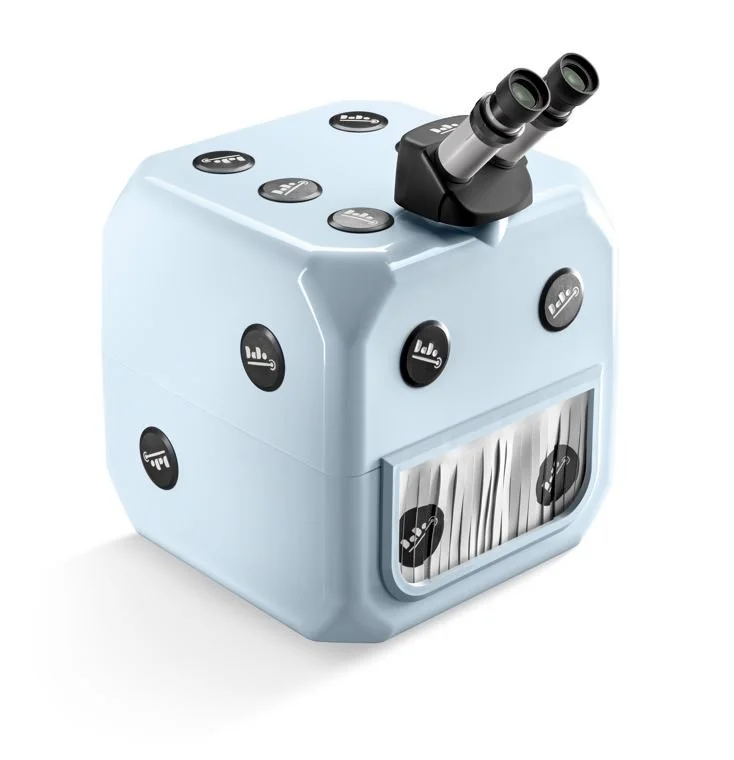
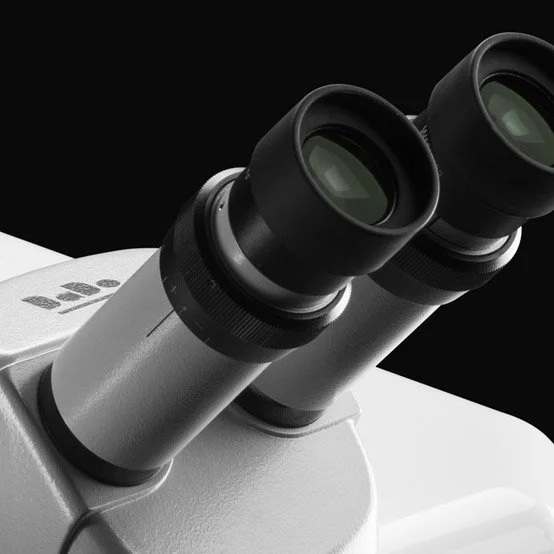
Unscrew and remove the stereo microscope unit carefully from the main machine body.
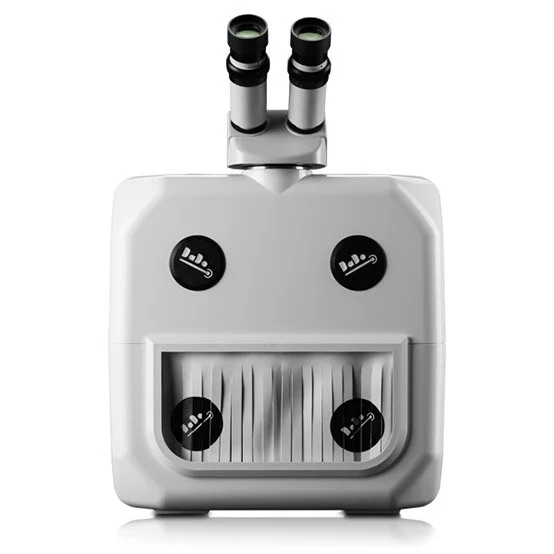
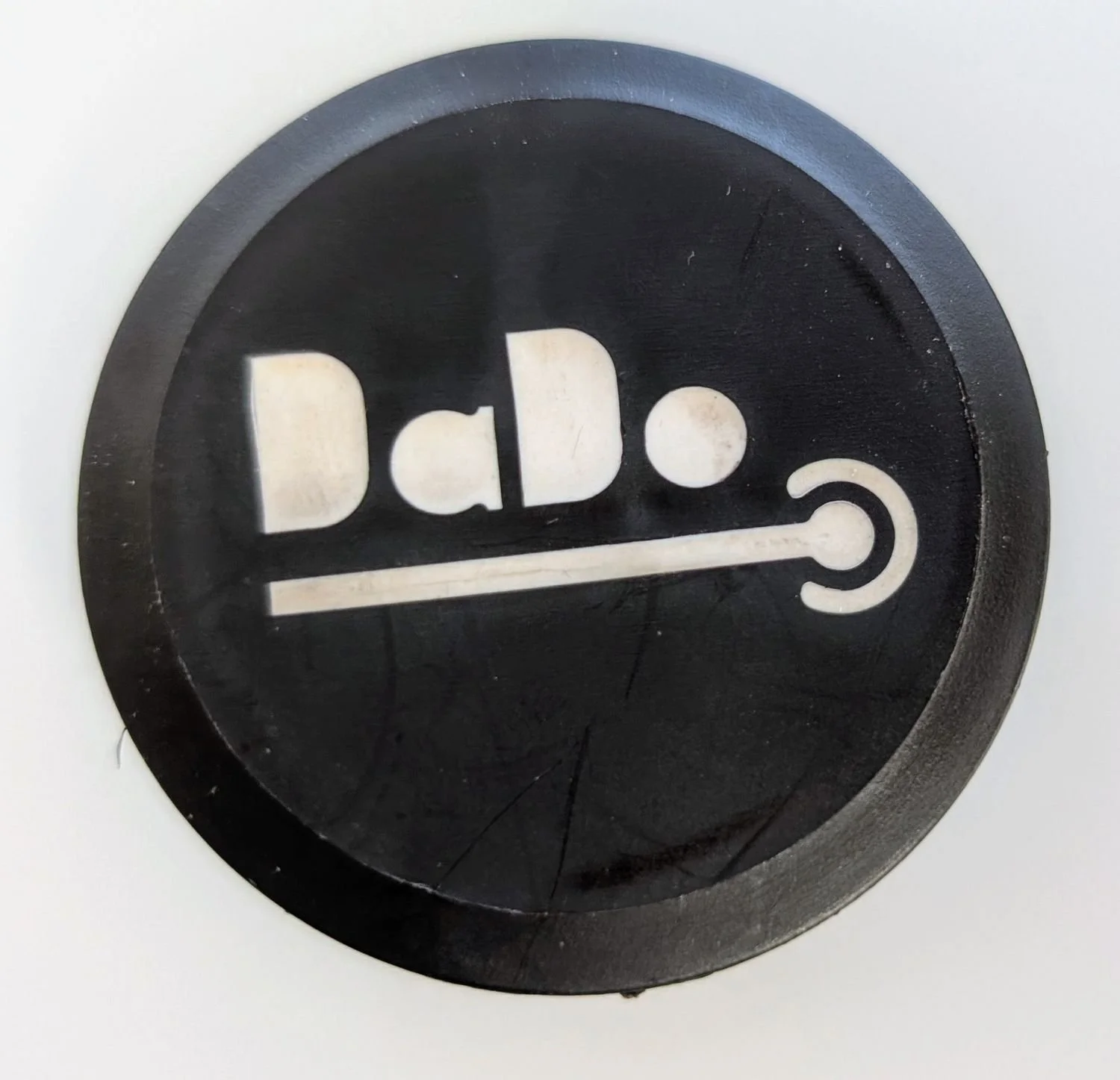
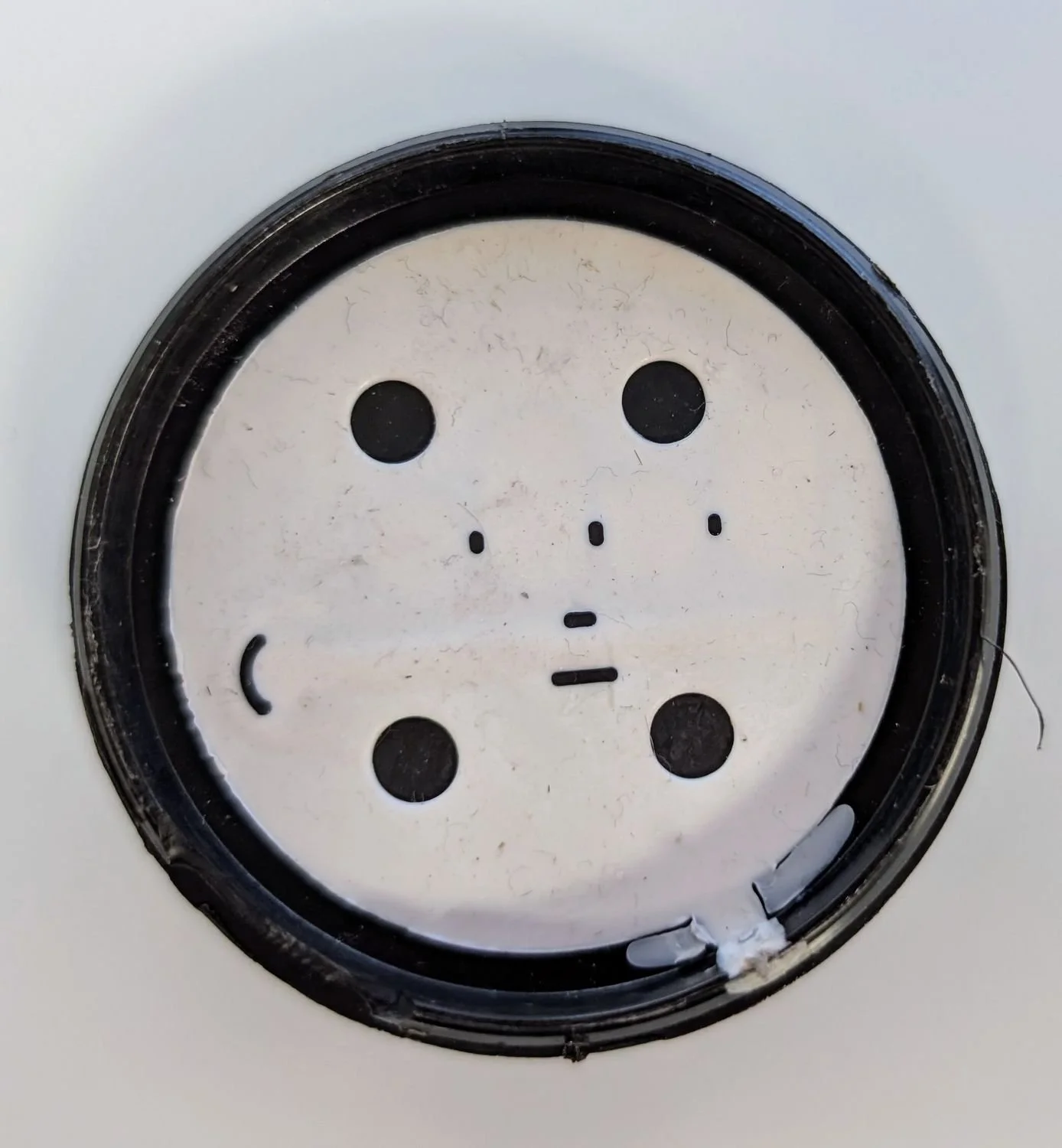
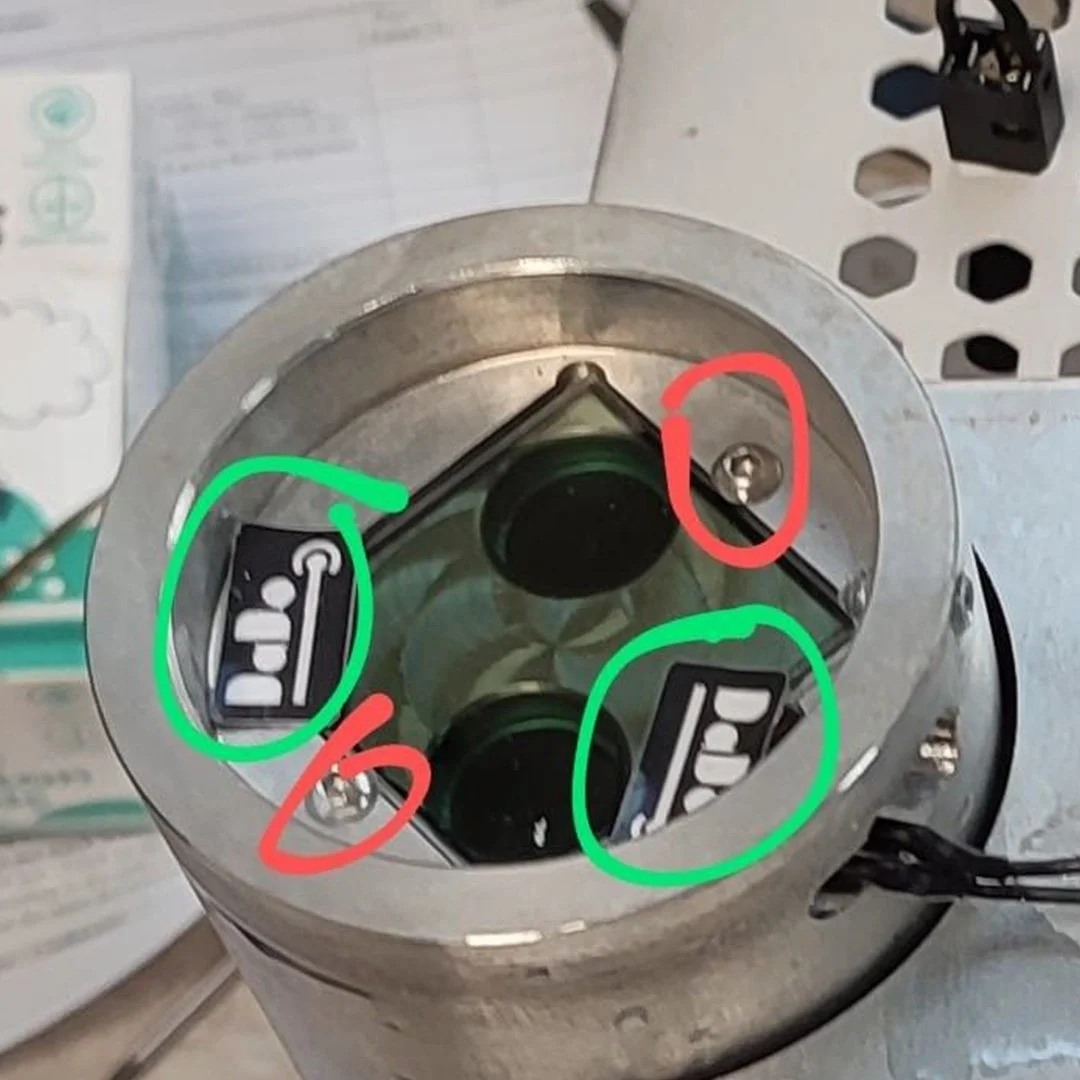
Gently remove the branded "DaDo stickers" from the face of the electronic shutter casing located directly beneath the microscope assembly (highlighted in green in the reference image).
Unscrew the two mounting screws (highlighted in red in the reference image) securing the electronic shutter housing, then lift the assembly out.
Remove the old optical lenses with sticky tape to lift them out smoothly without scratching adjacent surfaces, and fit your replacement elements.
Re-assemble the machine in the exact reverse order, ensuring all connections are firmly seated.
Video Walkthrough: Click here to watch our DaDo Optical Shutter Maintenance Video. Please note: You can ignore the second half of the video timeline as it shifts focus away from standard lens/shutter maintenance.
More Accessories and Spare Parts
Laser Welding Accessories, Training & Support
-

Pre-Order / Reserve a Laser Welder
-
Accessories & Spare Parts
-

Rental machines
-
Extended Warranty Packages
-
Training Bundles
-
Laser Welding Workshops