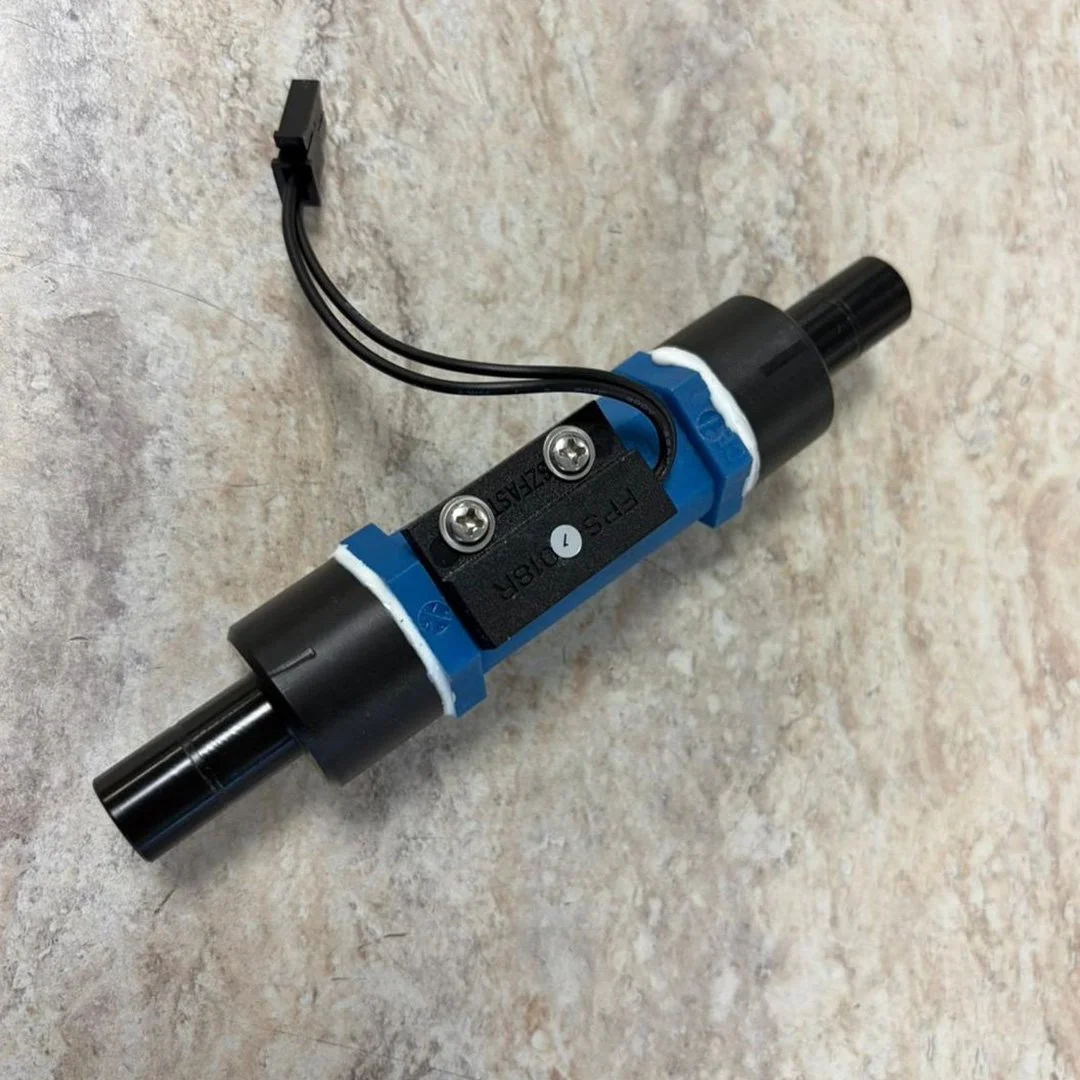
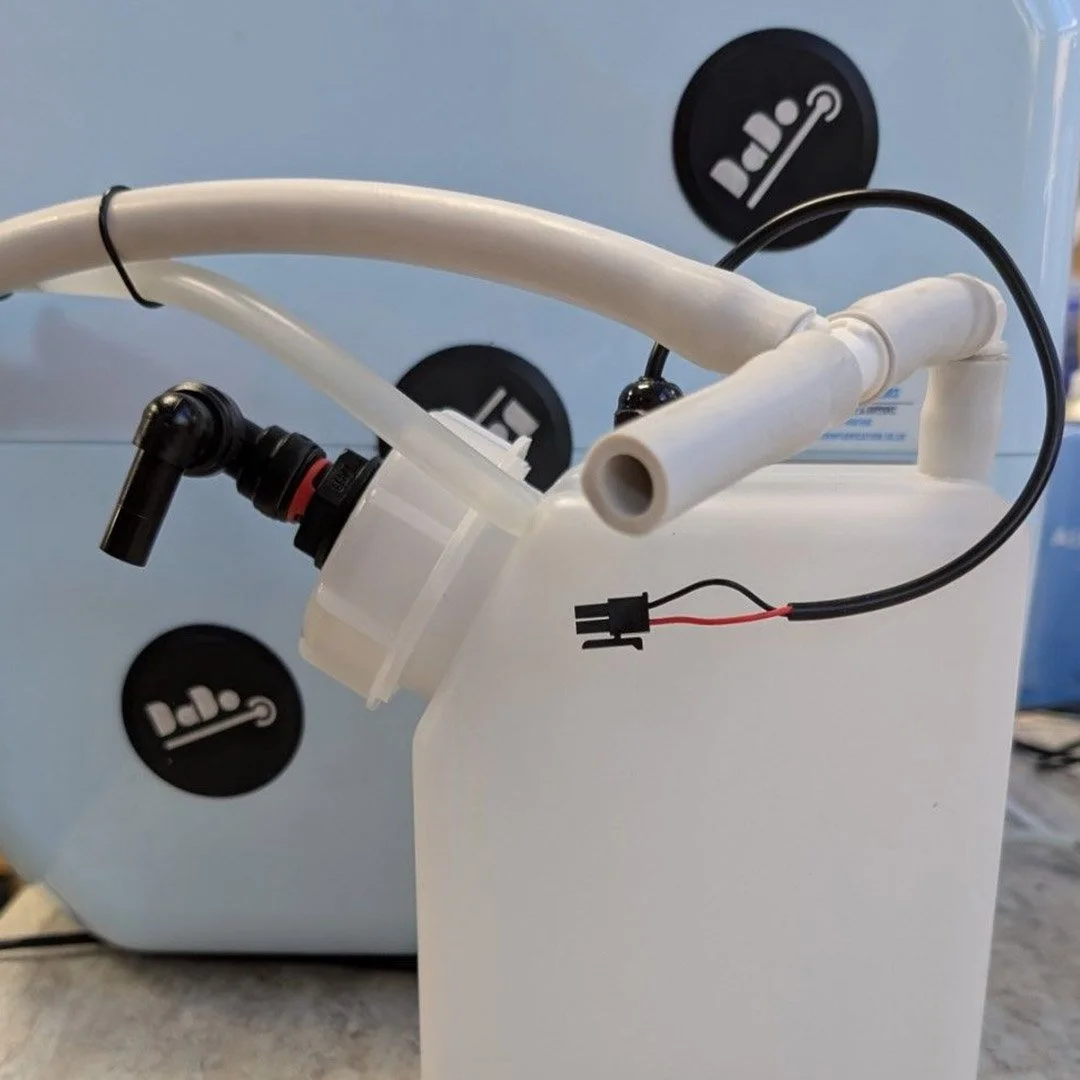
 Image 1 of 3
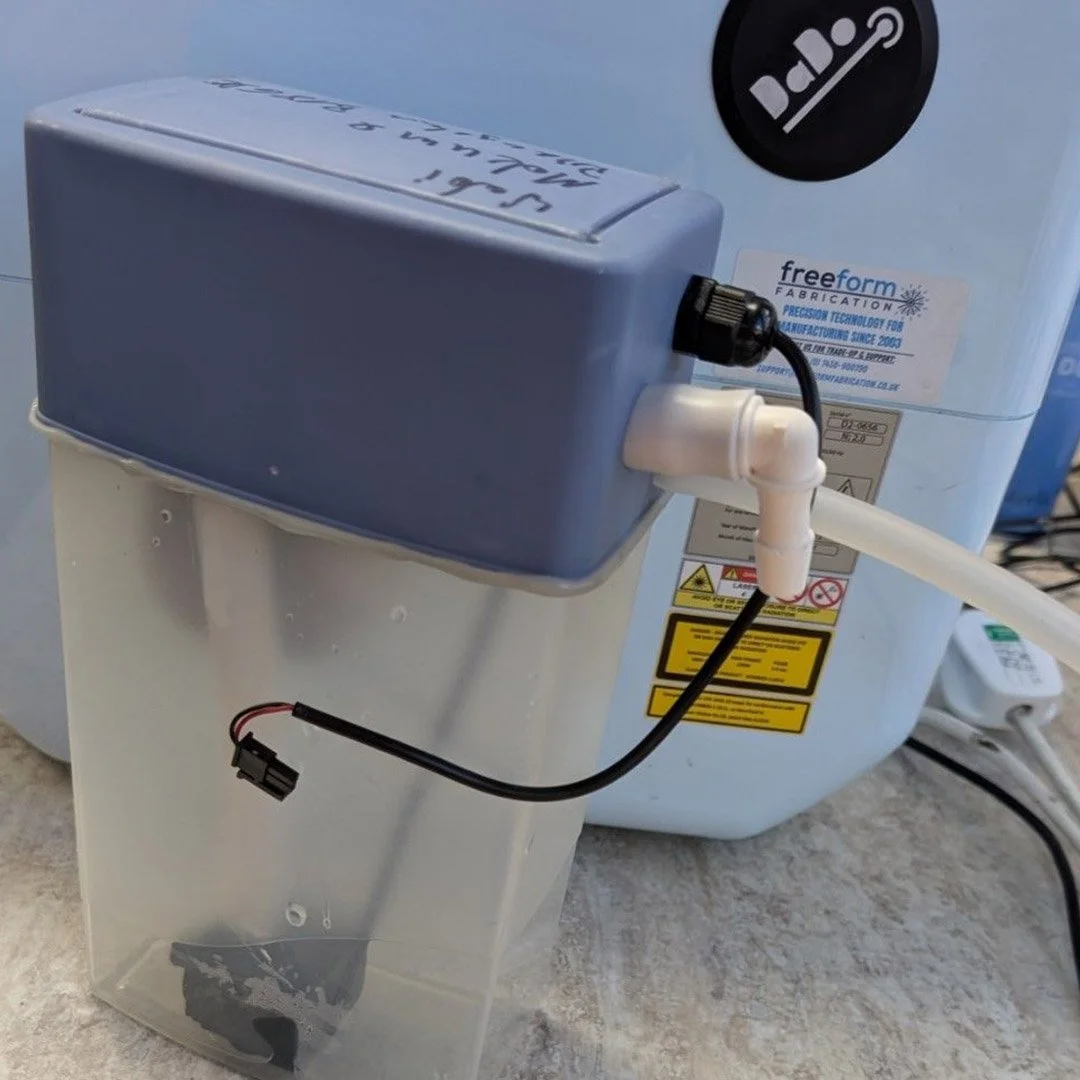 Image 2 of 3
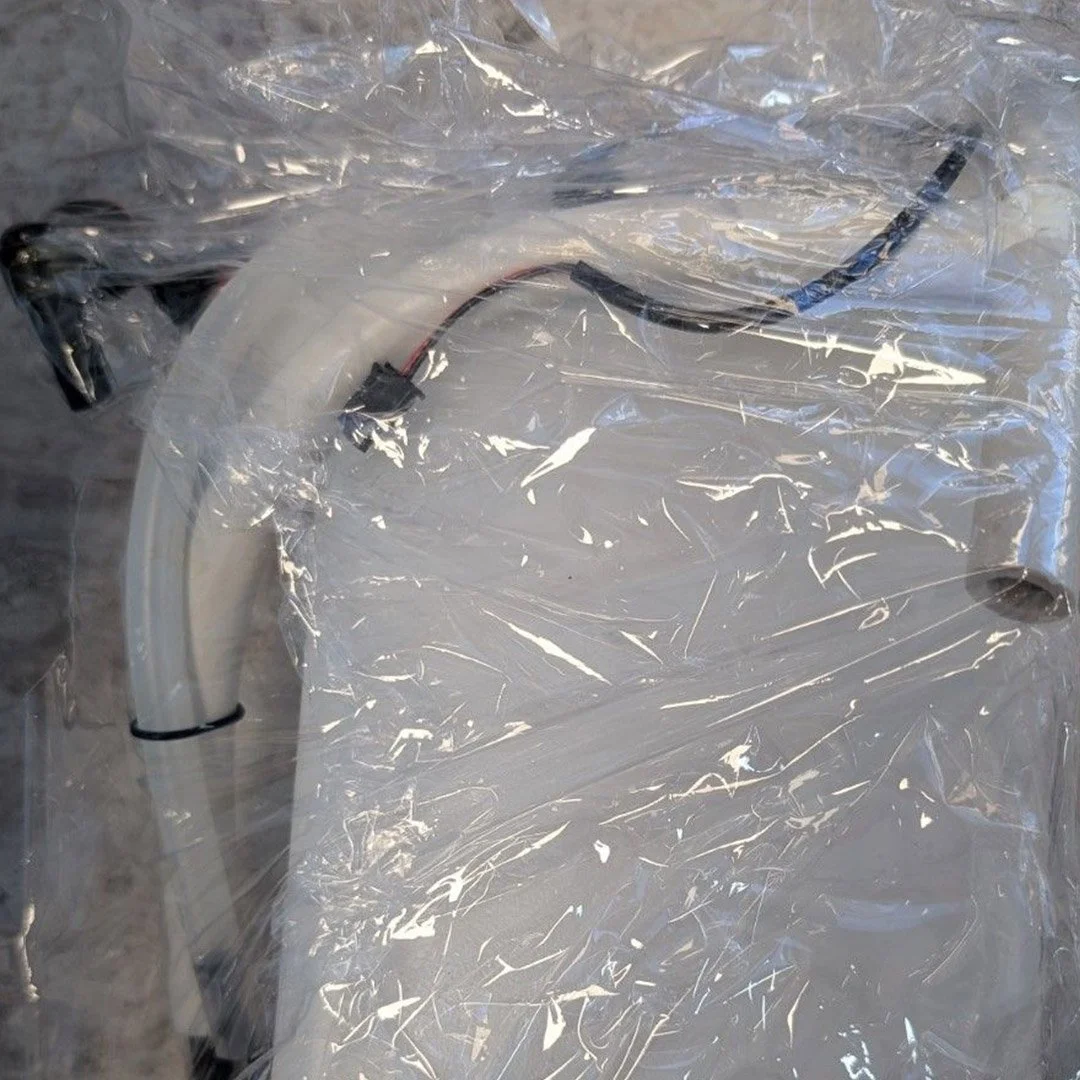 Image 3 of 3
Product Details
Troubleshooting DaDo "Error r4" (Flow Failure)
If your DaDo 1 laser welder is flashing Error r4 (Flow Failure) on the display screen, it indicates a critical issue within your water cooling loop. Before purchasing a new tank assembly, we recommend checking these common fault points:Low Water Level: Inspect the water level indicator window in the chamber and top up using de-ionised water if necessary.Cooling Line Blockage: Check for kinked tubes or biological buildup within the internal water hoses.Physical Tank Failure: Inspect the aging plastic seams or the integrated feed assembly for cracks and leaks.
Service & Installation Options:
For older generation machines encountering persistent flow issues, you have two pathways to resolve the problem:DIY Installation: Order this replacement water tank kit directly and complete the swap yourself using our guided documentation.Factory Service Option: Send your machine to our technical center for a comprehensive cooling overhaul. Our team will replace the internal tank, fully test the loop, and return the unit for a flat rate of £220 + VAT (includes return shipping).
Step-by-Step Replacement Instructions
Video Tutorial:
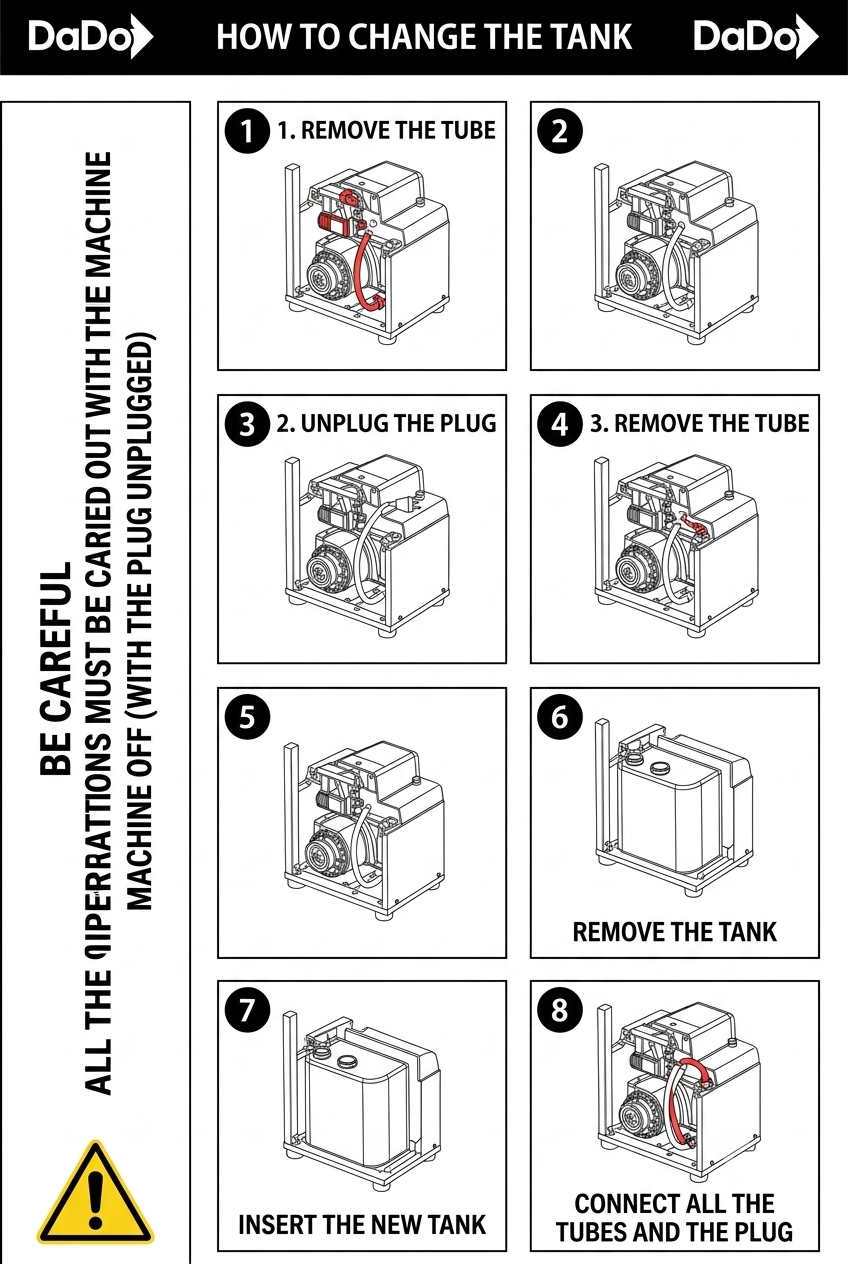
Visual Guide: Refer to the "How to Change the Tank" schematic diagram provided in the product image gallery for an 8-step breakdown of hose coupling and layout positioning.
More Accessories and Spare Parts
Laser Welding Accessories, Training & Support
-

Pre-Order / Reserve a Laser Welder
-
Accessories & Spare Parts
-

Rental machines
-
Extended Warranty Packages
-
Training Bundles
-
Laser Welding Workshops