Large Laser Welder Guide: Powering On, Presets, and Mega 5.0 vs MS35
Built for high-volume jewellery workshops, watchmakers, and manufacturing labs, Freeform Fabrication’s large laser welders deliver high energy output, larger welding chambers, and double cooling systems. This guide details daily power operations, memory preset programming, and a direct comparison between the flagship Mega 5.0 and MS35 machines.
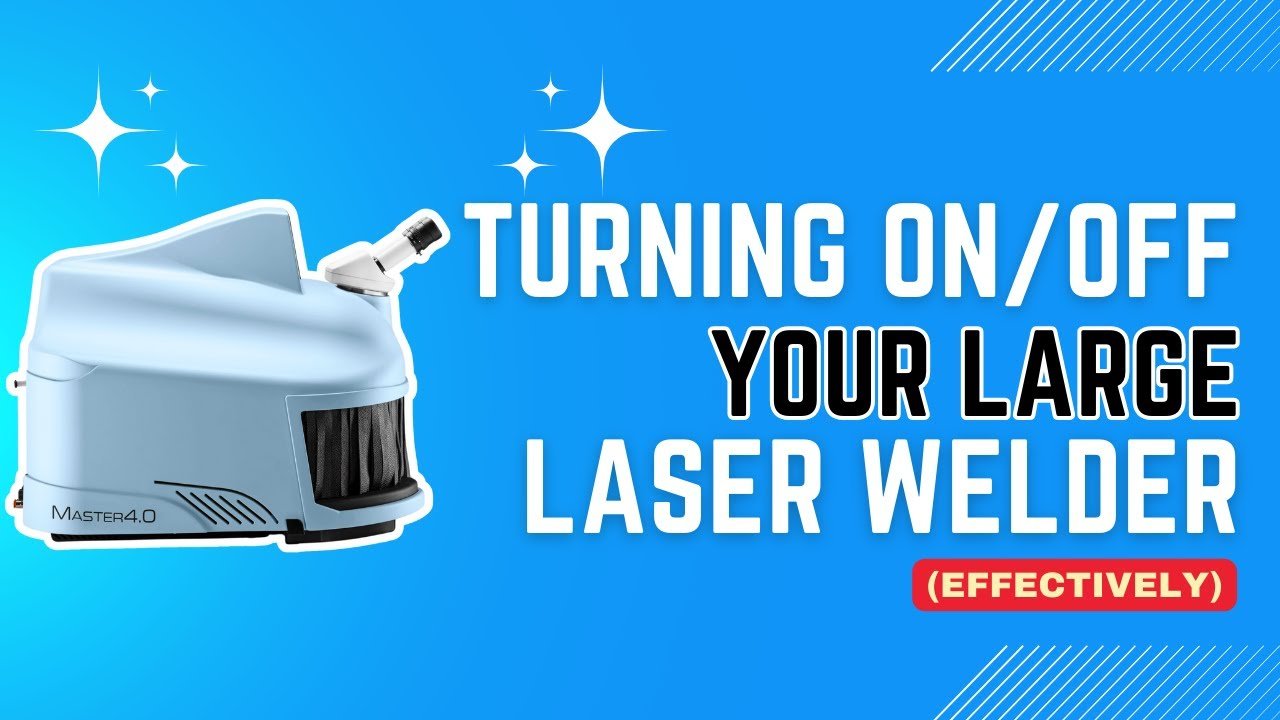
1. How to Safely Power On and Off
To ensure operator safety, Freeform’s larger laser machines feature an integrated security key interlock system:
Powering Off:
Eject the security key from the top rear-right side of the chamber.
Wait for the unit to drop into standby mode (the 7-inch display will read “Laser Locked”).
Flick off the main power switch located at the rear of the unit.
Powering On:
Flick on the main rear power switch and allow the system to boot up.
Re-insert the key into the top rear-right interlock port inside the chamber.
Wait for the loading sequence to complete, then press “Start” on the screen.
2. Saving Custom Memory Presets
To maximize efficiency on repetitive repairs (such as 18ct yellow gold ring resizes vs thin silver chain tacks), program custom parameters into the touchscreen memory:
Set Parameters: Dial in desired power, pulse duration, and frequency using the 7” touchscreen or internal chamber joystick.
Save Memory: Tap “New Memory” on the screen to enter a name for the preset.
Recall: Instantly access stored presets during future jobs to maintain absolute consistency across batch repairs.
3. Comparing Flagship Models: Mega 5.0 vs MS35
Mega 5.0 Desktop Laser Welder
The Mega 5.0 is engineered for heavy-duty production environments running continuous long hours. Featuring a spacious internal chamber and a heavy-duty double cooling system, it handles precious metals, casting porosity infilling, watch case repairs, and eyewear manufacturing without overheating.
MS35 Laser Welder
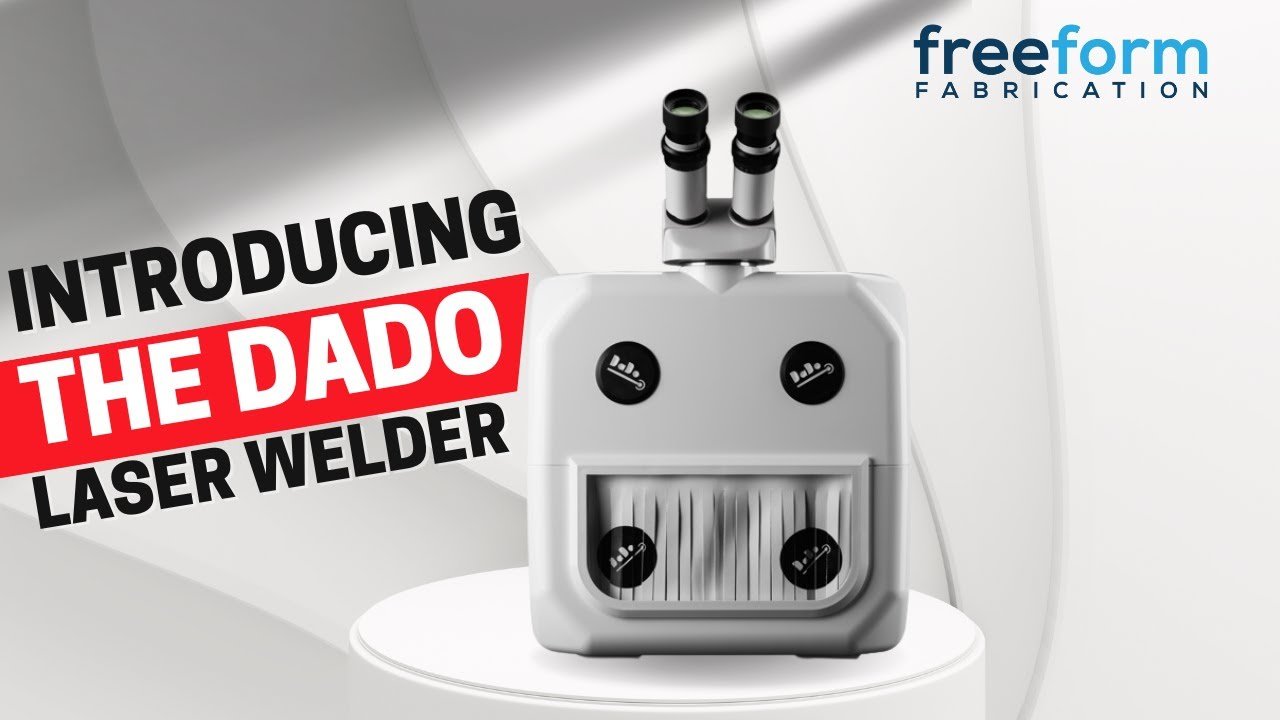
The MS35 bridges the gap between entry-level lasers (delivering 3.5x the power of the DaDo) and industrial-scale production units. Key features include:
Broad Metal Compatibility: Easily welds gold, platinum, silver, palladium, cobalt chrome, and steel.
Welding Without Wire: Engineered to fuse a wide variety of joins directly without adding wire.
Ergonomics & Storage: Integrated armrests, built-in storage drawers, and a 7” touchscreen controlling spot size (0.2mm to 2.0mm), pulse wave shapes, and frequency.
Frequently Asked Questions
-
Eject the key from the upper-right chamber port, wait until the screen reads 'Laser Locked', then turn off the main rocker switch on the rear panel.
-
Presets store exact power and pulse duration settings for specific alloys and jobs, eliminating setup guesswork and ensuring repeatable quality.
-
The Mega 5.0 is built for continuous, high-volume production with a double cooling system, while the MS35 serves as a high-powered step up from benchtop models like the DaDo for general workshop versatility.
-
No. The MS35’s increased power allows many joints to be fused cleanly without using filler wire, depending on the material thickness and joint preparation.
Laser Engravers Guides & Resources